01
Device inventory
Register approved devices and retain software, firmware, model, and current-status context.
Give operations a safe, visible way to deliver approved software and firmware updates—without turning every rollout into a custom engineering project.

When the device inventory, target list, rollout status, and final outcome live in separate places, operations cannot confidently answer who received an update—or safely stop it when something changes.
Kbot OTA is for teams operating connected devices that need a repeatable release process: identify the target fleet, send a controlled update, and understand the result.
Register approved devices and retain software, firmware, model, and current-status context.
Choose all devices, a group, a model, or a specific serial list—then set the rollout percentage.
Create, schedule, activate, pause, or cancel a release while devices check in and report progress.
Review jobs, outcomes, device logs, rollout statistics, and failure events from the same product surface.
Illustrative workflow—not live fleet telemetry.
Kbot OTA is designed around a simple device lifecycle: your approved device checks in, verifies the assigned update, installs it, then reports its real outcome.

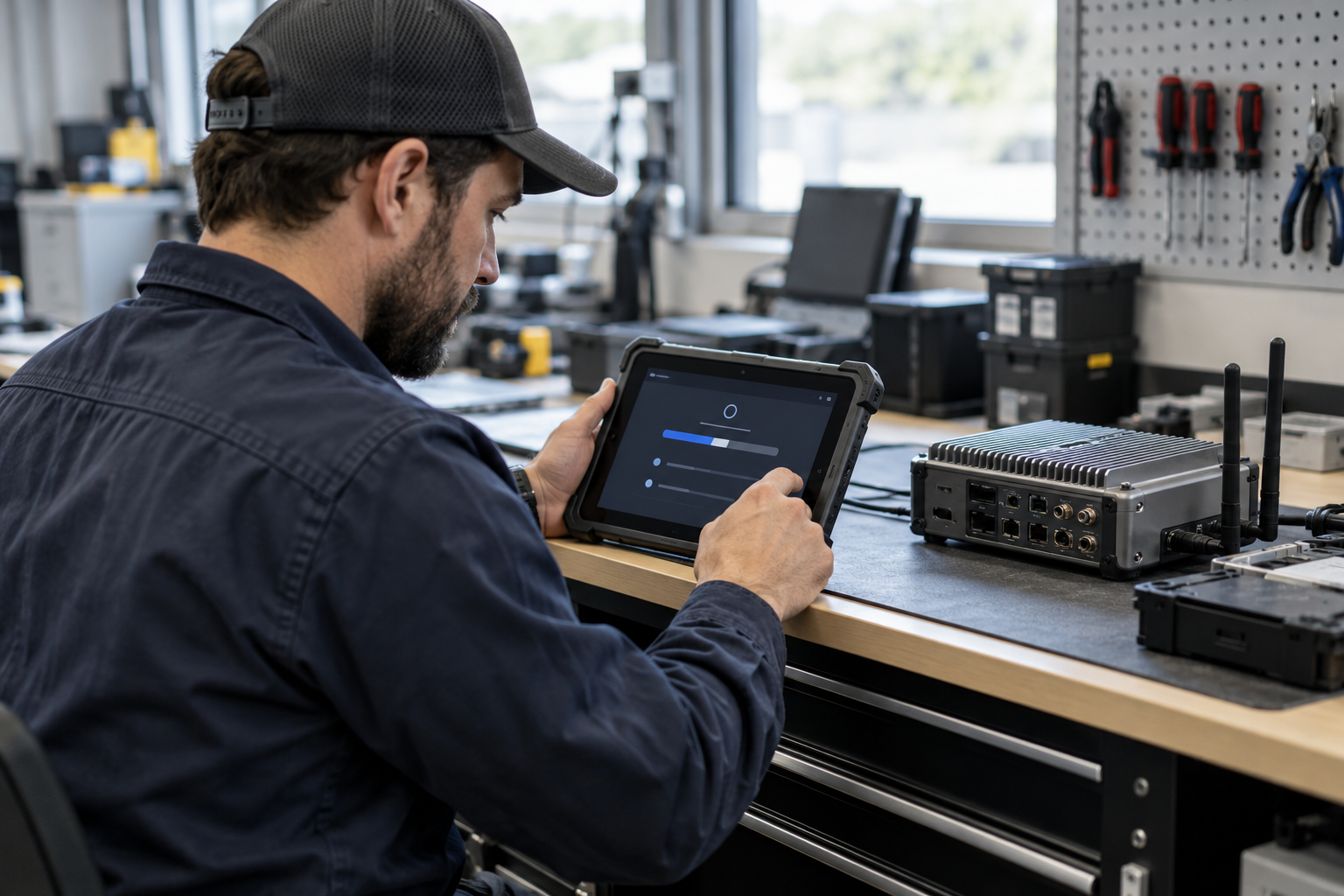
On application start and on a periodic job, the device sends its serial, approved type, and current software version.
The device receives the package location and SHA-256 checksum so its integration can verify the downloaded package before installation.
Choose a rollout policy and expand deployment only when the release is ready.
Updates report downloading and installing progress, then a terminal result: success, failed, skipped, or rolled back.
Teams can inspect jobs and logs, manage device credentials, and use percentage-based deployment with a configurable failure halt.
Keep releases coordinated across supported devices—wherever your teams work, serve customers, or run production.

Coordinate approved software releases for workplace devices and internal operations.

Stage customer-facing device updates before expanding to more locations.

Use one release workflow for distributed business locations and teams.

Maintain a controlled software baseline across approved production devices.
For teams managing approved connected-device software and firmware releases.
For restaurants coordinating day-to-day operational updates from one workspace.